Preferences
Preferences are the rules Newton follows on your project, like how to write your name or what never to promise. Set one for always, or just for the next request.
Updated
A preference is a rule Newton follows on one project. “Always write IRONVOLT in capitals.” “Never promise next-day delivery.” Find them in Settings → Newton → Preferences.
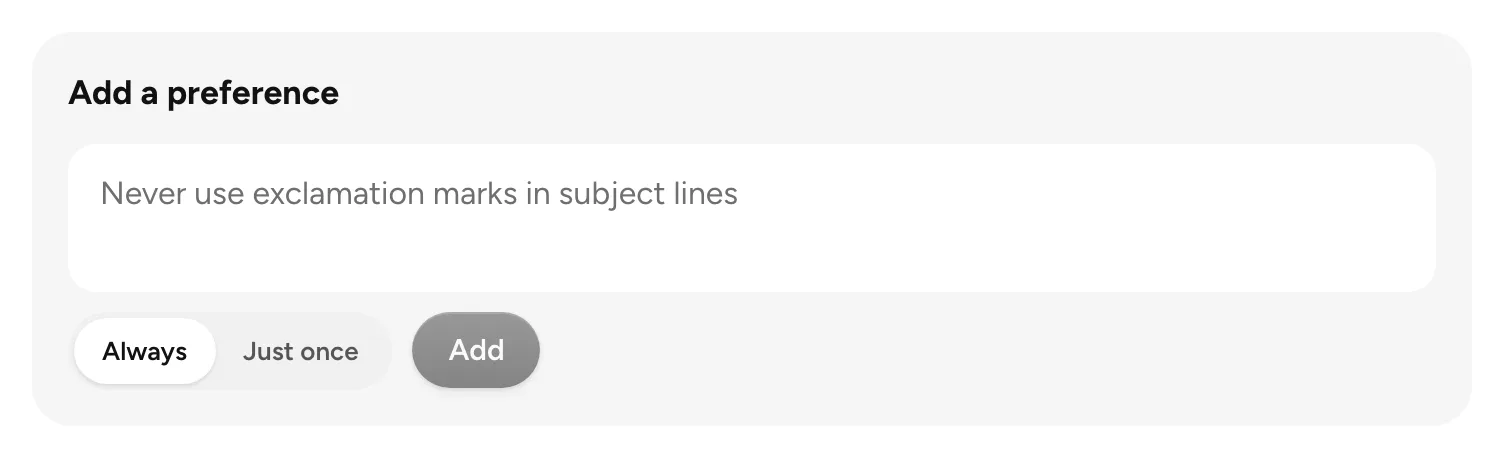
Adding a preference
You can tell Newton in the chat, or add one yourself:
- Open Settings → Newton → Preferences.
- Under Add a preference, write the rule in the Preference field.
- Pick Always or Just once, then choose Add.
Once active, Always applies to every request from now on. Just once applies to the next request only.
Who can add them
- Approvers, admins and owners save preferences straight away. A rule that conflicts with another stays On hold until the owner or an approver chooses which to keep.
- Requesters can add them too. An Always preference from a requester appears under Waiting for an approver, where an approver can choose Accept or Decline.
Changing a preference
For an active preference you can edit, open its menu and choose Change. The old version stays in its history, so you can see who set what and when.
A change never rewrites work you’ve already confirmed. That work is judged against the preferences in force when you confirmed its quote. You can see them on the work item under What was agreed.
Preferences stay in their project
A preference set on one project never reaches another project’s work, even if the same people work on both.
Was this helpful?