Your pages
Ask Newton for a page of numbers, charts and lists about your project. Change it by asking, and keep or undo each change.
Updated
A page is a screen of live widgets about your project: numbers, charts, lists and more. Pages you keep are listed under Your pages in the sidebar.
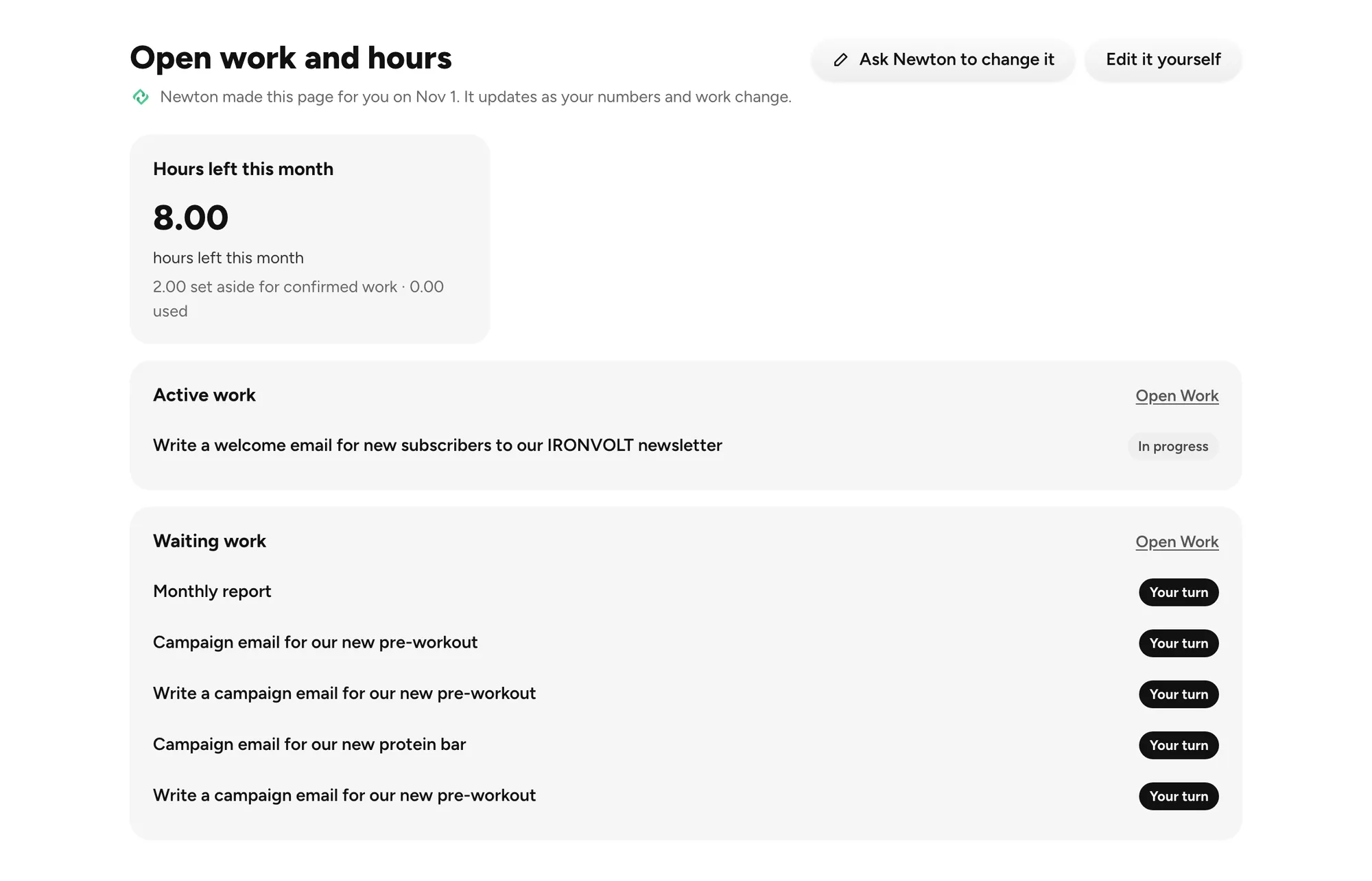
Asking for a page
Choose Ask Newton for a page in the sidebar, or just ask in the chat: “Make me a page that shows our open work and hours left.”
Newton makes it and shows you a card with Open page, Keep it and Undo. Choose Keep it to add it under Your pages.
Changing a page
On any page, choose Change this page and say what should change, like “Show the last 7 days” or “Put work first”. Then choose Keep it or Undo.
You can also choose Edit it yourself to add, remove and reorder widgets. A page holds up to 12 widgets. Earlier versions lets you go back to how it was.
What pages can show
Pages show what the app already knows about your project, from the same numbers as Reports, Work and Plan & hours. A page only ever reads its own project.
Do pages use hours?
Not today. Making and changing pages is free.
Was this helpful?