Connections and what each status means
Connect your store, email and ad accounts so Newton can do the work. Here's what's on the Connections screen and what each status means.
Updated
Connections let Newton read your numbers and prepare work in your own accounts. Connecting costs nothing, and it never uses hours. Open Connections in the sidebar.
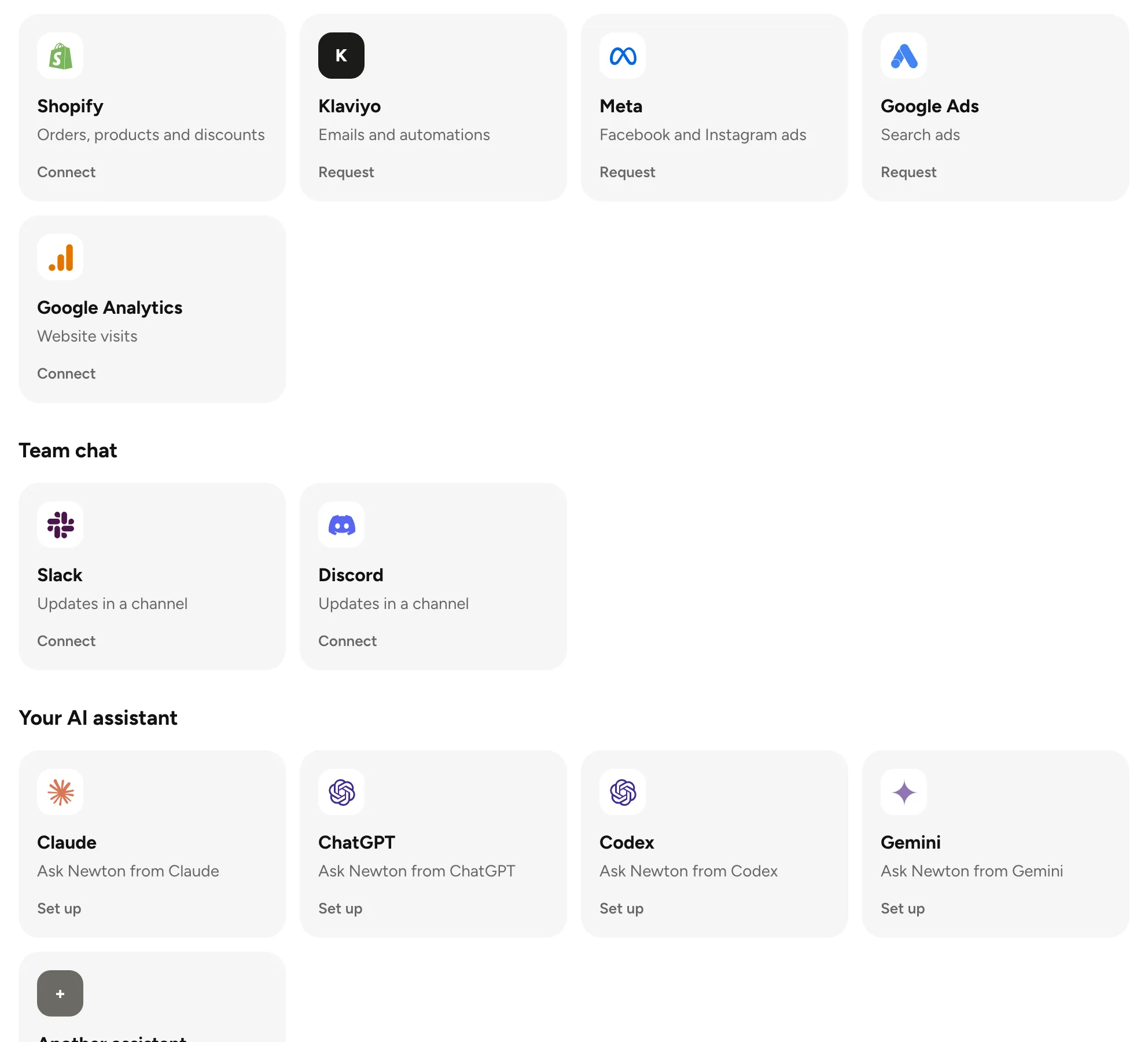
What you can connect
| App | What it’s for |
|---|---|
| Shopify | Orders, products, pages, discounts and your theme |
| Klaviyo | Emails and automations |
| Meta | Facebook and Instagram ads |
| Google Ads | Search ads |
| Google Analytics | Website visits |
Pick an app to see What Newton can do with it, and how to connect it. Owners and admins can connect apps, and so can an agency you’ve allowed to manage connections.
What each status means
| Status | What it means |
|---|---|
| Connected | Working. Newton can use it |
| Connecting | We’re still setting it up, or waiting for a step from you, like accepting our request in Shopify |
| Waiting for the owner | An agency used its own access. The owner sees Needs you and everyone else sees Waiting for the owner until the owner accepts. Nothing is done through it until then |
| Needs you | Something needs fixing. The line under it says what, like “Reconnect it” |
| Connect | Not connected yet |
When a connection needs a step from you, it also shows up in Review.
Open a connection to see the same status, its detail line and when it was last checked. A connection that needs you to fix something offers Check again.
Connections an agency makes
If an agency connects an account with its own access, such as its own Meta business account, the connection says Relies on the agency’s access, and waits for the owner. The owner chooses the button named for the app, such as Accept Meta, before anything is done through it. If the agency leaves the project, connections that rely on it may stop working.
Nothing changes without you
Connecting lets Newton read and prepare. Work is made as drafts first, like an unpublished copy of your theme or an unsent email. Ads come as files you upload yourself. Drafts are saved in your accounts, and nothing goes live until someone approves it or a rule you’ve set covers it. See Approving work.
The Reports page needs connections
The Reports page shows store sales, email revenue and ad results from the apps you’ve connected. Until then, it shows what to connect. A number that can’t be read shows as unavailable, never as 0.
Was this helpful?